
Cosmetic Wholesale Sync for Shopify does the same work as our WooCommerce plugin: it imports the catalog, keeps stock and price current, sends paid orders to us and writes tracking back.
1. Install
The app is distributed directly to approved dropshipping accounts. Ask us for an install link for your yourshop.myshopify.com domain, open it, and approve the requested permissions.
The app then appears under Apps in your Shopify admin.
2. Configure
Open the app and fill in:
| Setting | Value |
|---|---|
| Feed URL | From your Cosmetic Wholesale Account page, without the token in the URL. |
| Token | Your account token. Once saved it is never shown again — to change it, paste a new one. |
| Margin % | Your retail markup, in percent. |
| Margin fixed | A fixed amount added on top, in euro. |
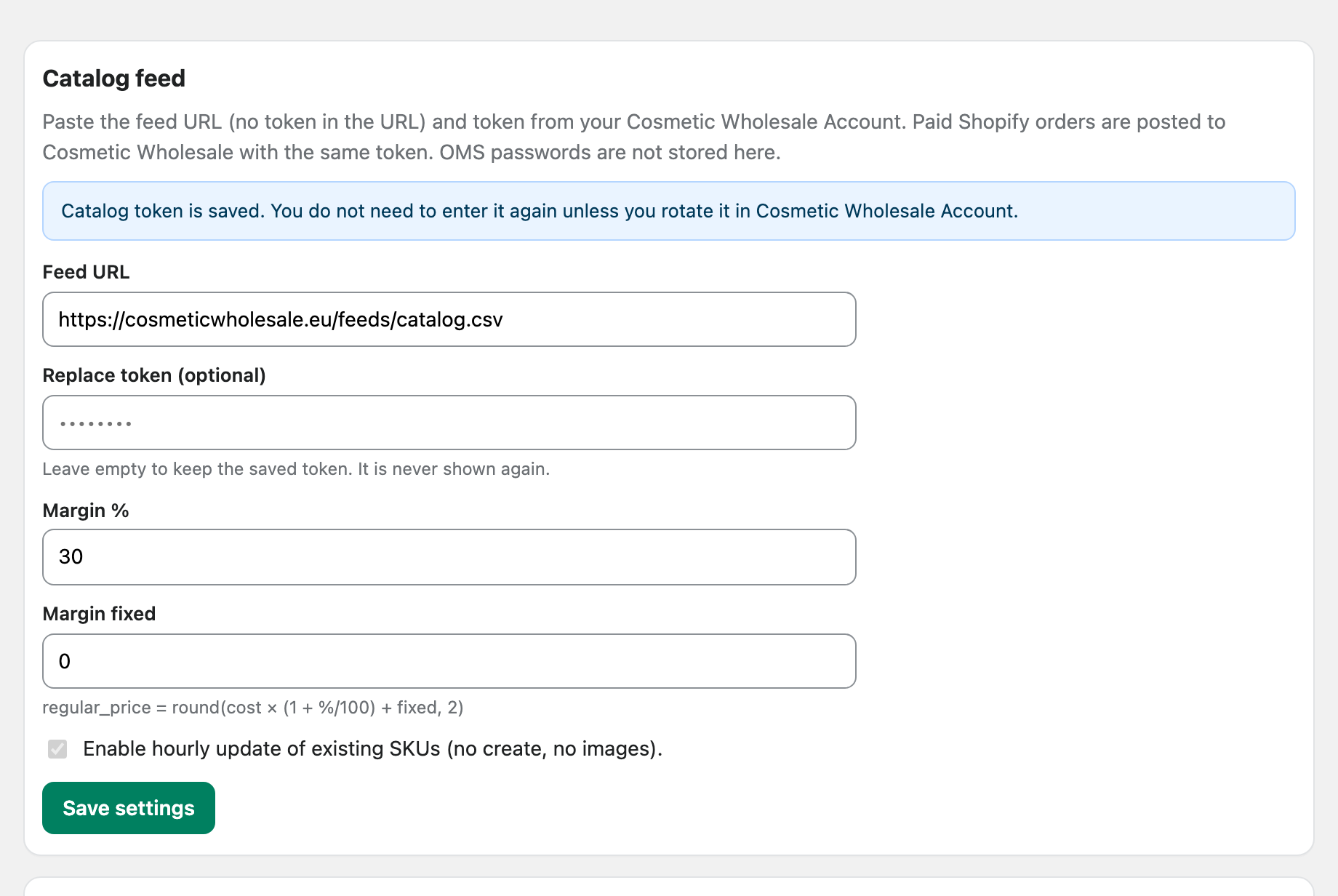
The retail price is calculated as:
price = round(cost × (1 + margin% / 100) + fixed, 2)0 and 0 sell at our B2B cost.
Leave hourly update enabled.
3. First import
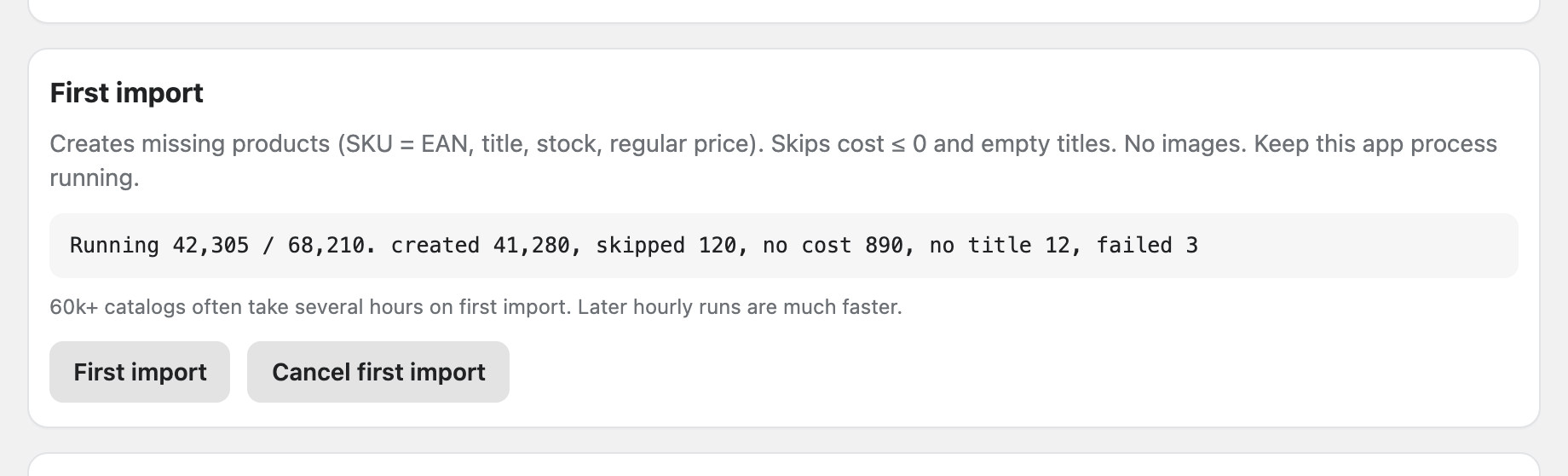
Run First import. It creates the products that do not exist yet and writes the EAN into both the SKU and the barcode of each variant.
That matters: order lines are matched by the SKU, so an imported product whose SKU is not the EAN will not be recognised when the order is pushed back to us.
Images are not part of the first import. There is a separate images run you can start later, once the catalog itself is in place.
Progress counters (created, updated, skipped, failed) update while the job runs. You can cancel a running import and start it again — it resumes rather than duplicating products.
A full catalog of ~68,000 products commonly takes several hours on the first run. Later hourly updates are much faster.
4. Publish to your storefront
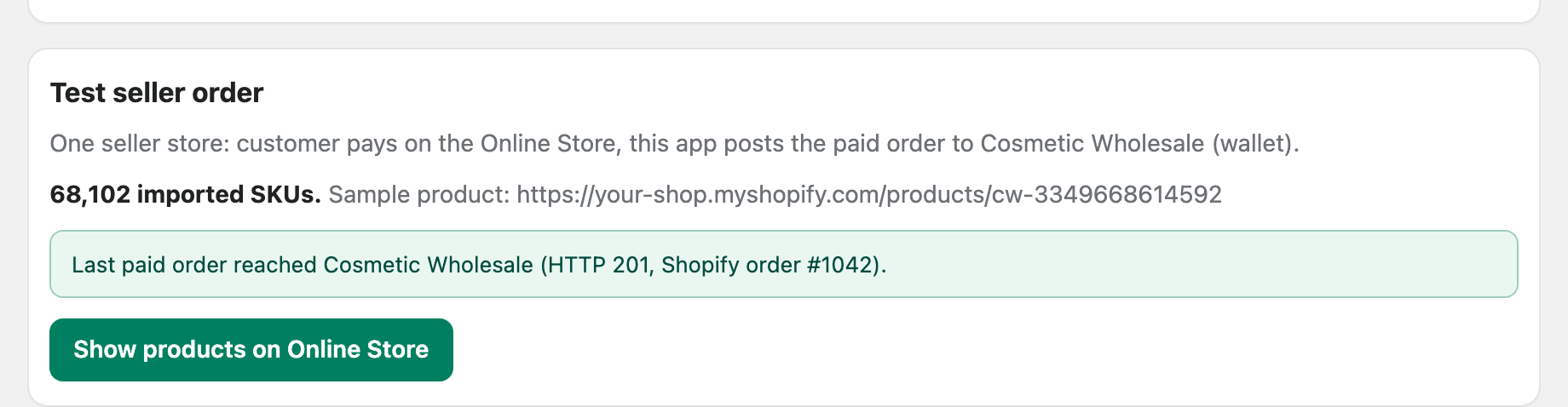
Imported products are not automatically visible in your Online Store. Use Publish in the app to make the imported SKUs available on your sales channel.
5. Hourly sync
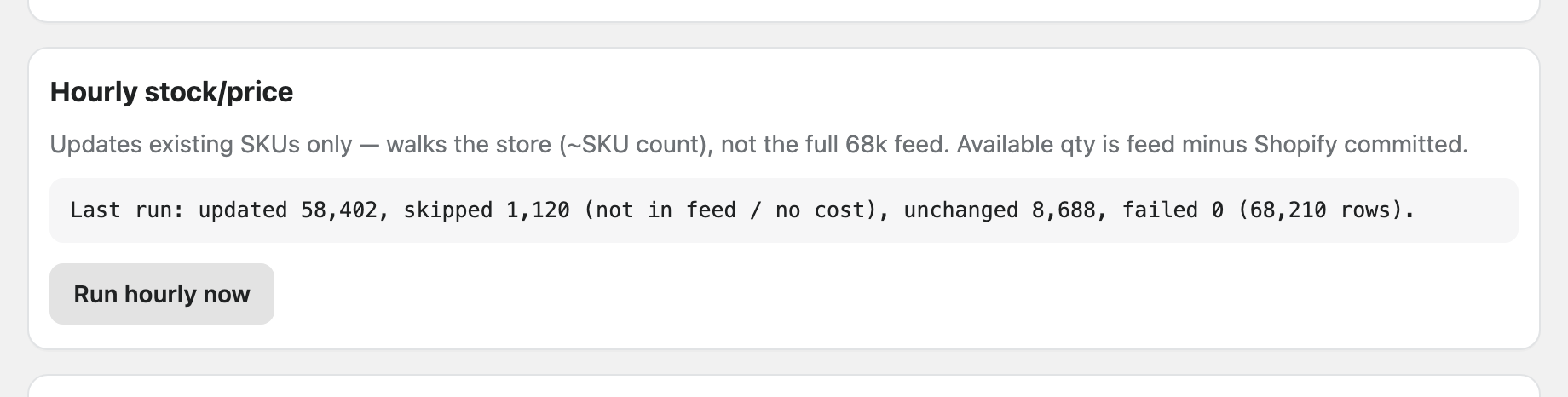
The hourly job updates stock and price for products that already exist. It never creates products and never empties your catalog when a feed request fails.
6. Images
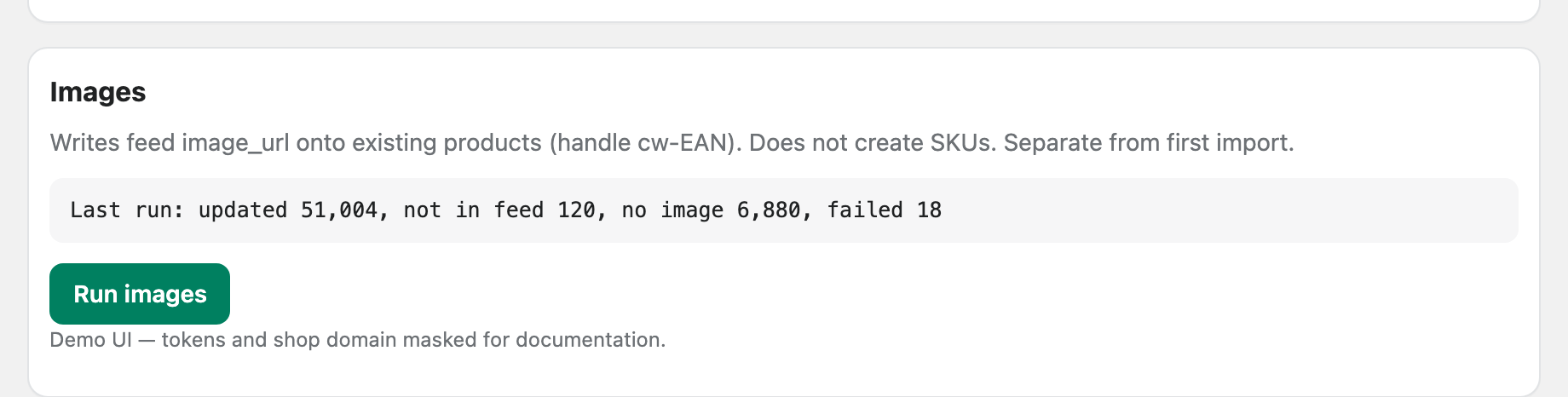
After the catalog is in place, run Images separately. It writes feed image_url values onto existing products and does not create new SKUs.
7. Orders
When an order is paid, Shopify sends us the orders/paid webhook and the app pushes the order to your Cosmetic Wholesale account: shipping address, plus EAN and quantity per line.
If your wallet is empty, we accept and hold the order. The app retries; the Shopify order stays as it is. Do not cancel it — cancelling only breaks the reconciliation, the order is already reserved on our side.
Tracking is written back once the parcel ships.
Troubleshooting
The app screen is blank. Reload the page from the Shopify admin rather than opening the app URL directly. If it stays blank, tell us — it is usually a session problem on our side, not yours.
Order lines are not recognised. Check that the variant SKU is the EAN. Products you created by hand, or imported from another source, will not match.
Products imported but nobody can see them. Run Publish (step 4).
Stock is not updating. Check that hourly update is enabled and that the feed URL and token are still valid — a revoked token stops both catalog and orders.